
A more professional way to capture business photos on your phone.
WorkCam helps businesses keep work-related photos and videos separate from personal media while making documentation, organization, and team sharing easier.
Whether you are tracking project progress, storing before-and-after photos, documenting client results, or creating content for your business, WorkCam gives you a dedicated workflow without requiring a separate work phone.
Who it is for
Designed for businesses that rely on visual documentation every day.
WorkCam supports professionals who need fast capture, cleaner organization, and easier collaboration as part of their regular workflow.
Contractors documenting job progress, punch lists, and before-and-after results
Business owners who take work photos daily and want a more professional workflow
Aestheticians capturing client transformations and content for social media
Teams that need easier access to shared business photos and videos
Core features
Purpose-built for business photos, not just photo storage.
Keep business photos separate
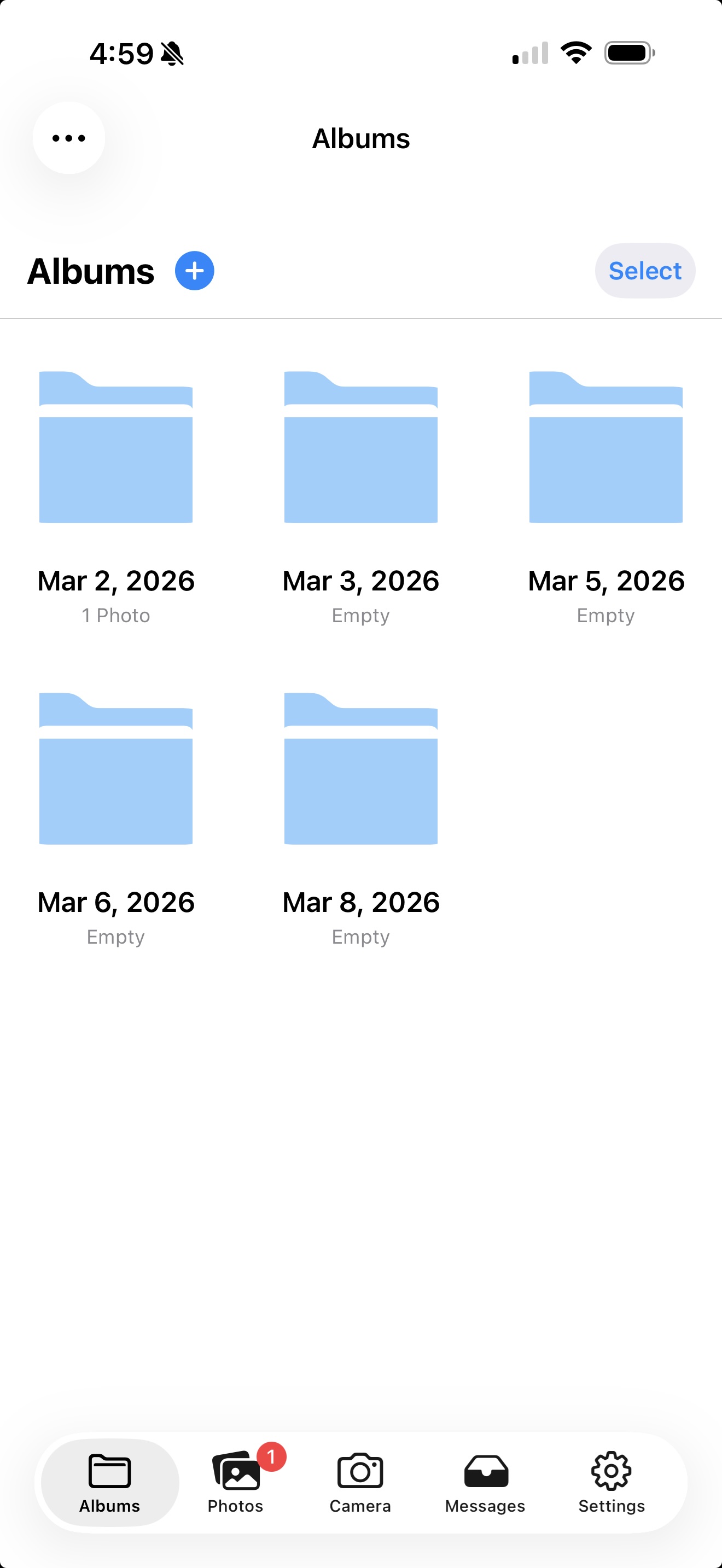
Capture work photos and videos without cluttering your personal photo library, widgets, or family memories.
Use a camera designed for real work
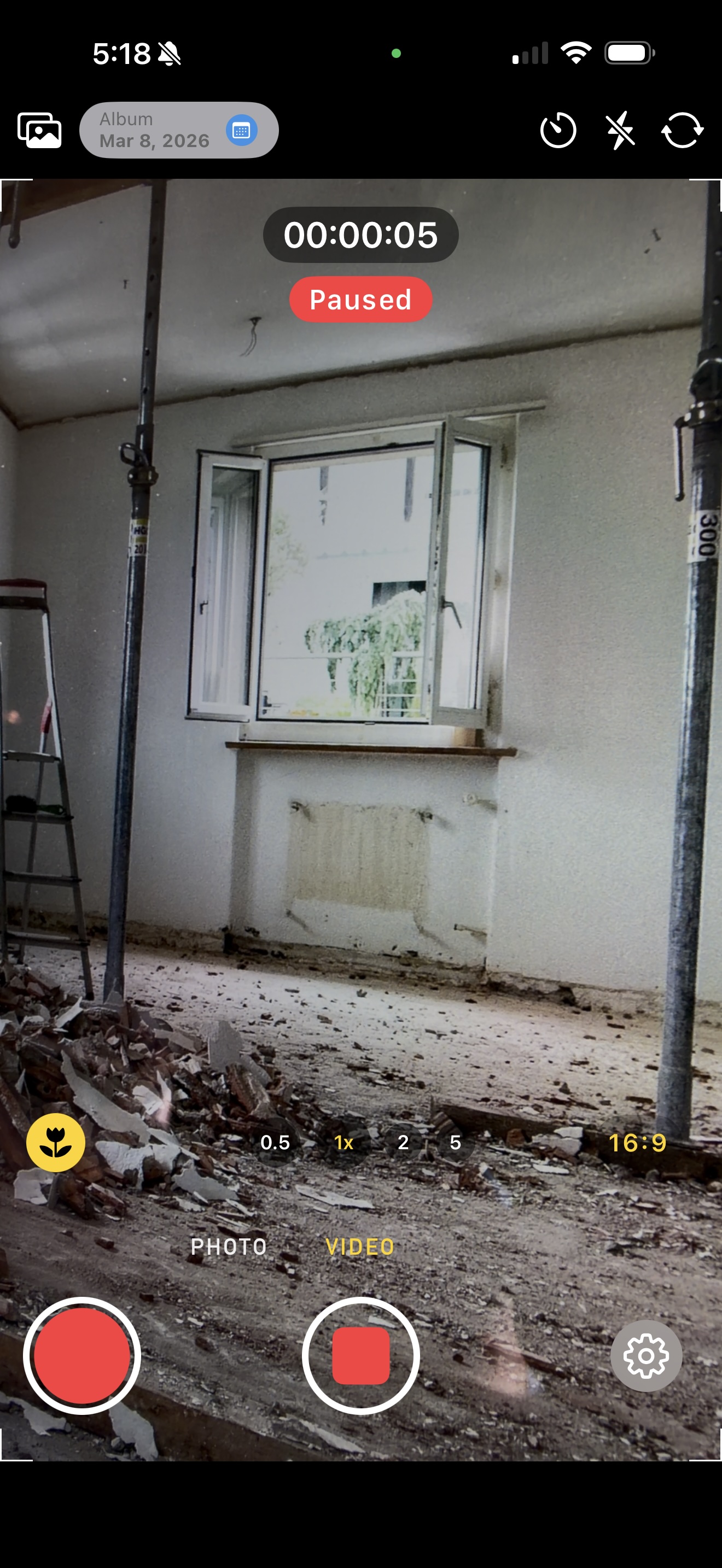
WorkCam includes a custom-built camera focused on speed, reliability, and a smooth experience for busy professionals in the field.
Stay organized across projects
Keep each job's photos, notes, client updates, and status updates together in one project with a single activity feed.
Draft updates from your photos
Select jobsite photos and videos and WorkCam drafts a client update or status update for you, using Apple Intelligence on iPhone or Gemini on Android.
Track what every job costs
Log expenses with their receipts and payments received against each project, then export a CSV for your bookkeeper.
Back up to the cloud you already use
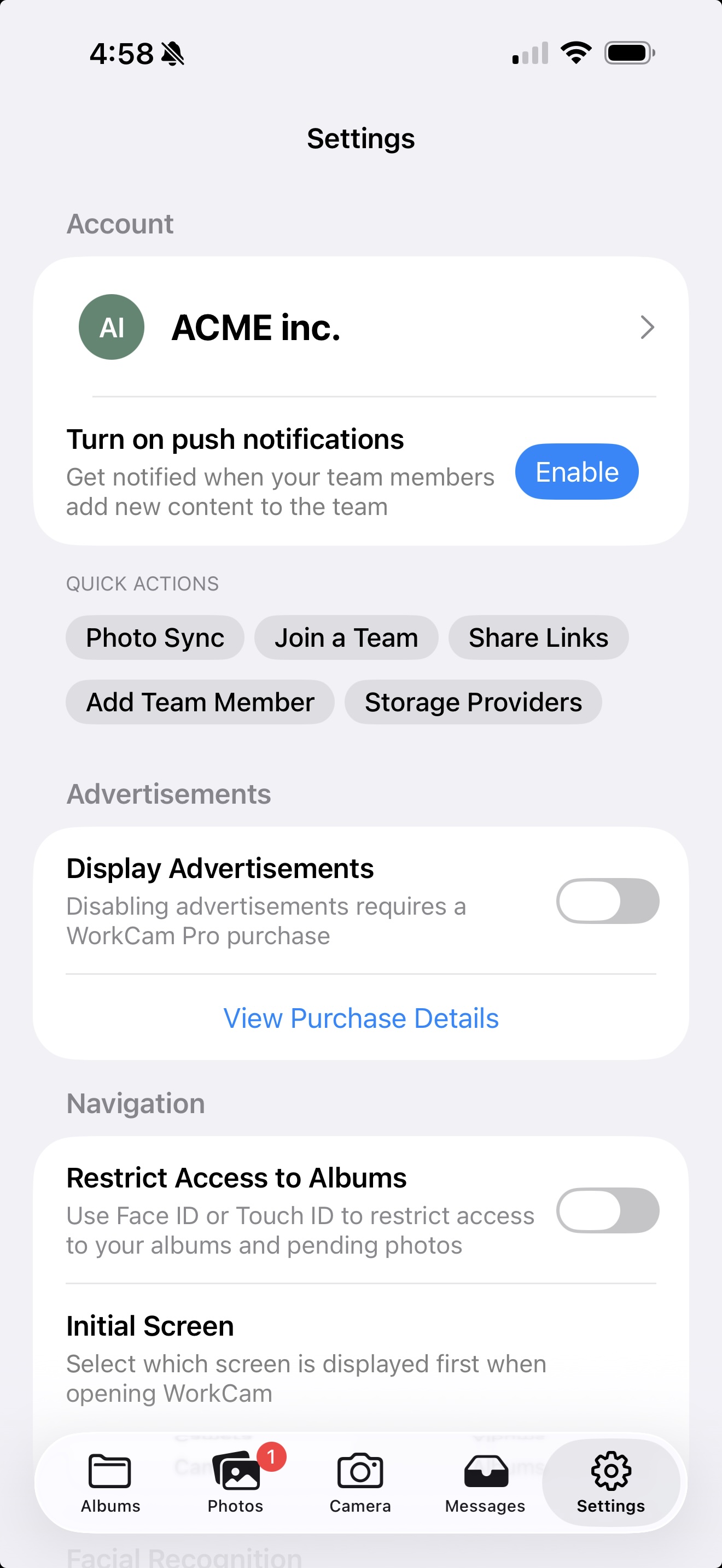
Copy your albums to Google Drive automatically, plus iCloud Drive, Dropbox, or OneDrive on iPhone. Free with a WorkCam account.
Sync with your team
With the Photo Sync subscription, WorkCam content automatically syncs with team members so everyone stays aligned, whether they carry an iPhone or an Android phone.
Avoid buying a second phone
Many business owners use WorkCam to keep work and personal media separate on one device instead of carrying two phones.
Collaborate without friction
Share business photos more easily with your team instead of relying on scattered message threads or manual forwarding.
Why WorkCam
More than a camera app. A better business workflow.
Work photos mixed with family and personal content
Harder to find project images later
More manual sharing with team members
Can make widgets and personal albums feel cluttered
Business photos stay in a dedicated workspace
Designed for daily project and client documentation
Photo Sync helps teams stay up to date
A cleaner, more professional workflow on one phone
How it works
Built to fit into the way businesses already operate.
WorkCam keeps the process simple enough for everyday use while giving growing teams a cleaner and more scalable way to manage visual documentation.
Capture
Take high-quality photos and videos in a camera built specifically for business documentation.
Separate
Keep work media out of your personal photo library so personal moments and business content stay distinct.
Organize
Track multiple projects, progress updates, and before-and-after work with a cleaner structure.
Share
Automatically sync WorkCam content with team members through Photo Sync for faster collaboration.
Trusted by real businesses
Customers use WorkCam every day to save time and stay organized.
Business owners have told us WorkCam is a game changer for tracking projects, organizing before-and-after photos, creating client content, and collaborating more efficiently with their teams.
Photo Sync subscription
Automatically sync WorkCam content with team members so shared business media is easier to access, review, and use across the organization.
“WorkCam has been a game changer for our business. We use it every day to document multiple projects and keep progress photos organized.”
Business Owner
“It helped us keep work photos separate from personal photos without needing to buy another phone.”
Contractor
“Before-and-after client photos and social content are much easier to manage now, and sharing with the team is simple.”
Aesthetician
FAQ
Common questions about WorkCam
WorkCam is designed for business owners, contractors, field teams, and service professionals who regularly capture photos or videos for work and want a more organized, professional workflow on their phone.
Yes. WorkCam is on the App Store for iPhone and on Google Play for Android, and one WorkCam account works on both. With Photo Sync, a team can mix iPhones and Android phones and everyone sees the same albums and projects. A few features differ by platform — storage integrations beyond Google Drive, and Vision AI photo search and facial recognition grouping, are iPhone-only for now.
For many businesses, the issue is not only taking photos. It is keeping work content separate from personal media, staying organized across projects, and making team sharing easier. WorkCam is built around that workflow.
WorkCam’s Photo Sync subscription automatically syncs WorkCam content with team members so shared business media stays accessible and up to date across the team.
Yes. WorkCam connects to Google Drive on iPhone and Android, and to iCloud Drive, Dropbox and OneDrive on iPhone. These storage integrations are free — you only need to be signed in to a WorkCam account, not a Photo Sync subscription. Choose whether to sync every album or only the ones you pick, and WorkCam copies new photos and videos out to your own account as you capture them. Sync is one way: WorkCam writes to the provider and does not import from it.
Yes. A WorkCam project keeps a job's photos and videos together with notes, updates for the customer, status updates for your team, expenses with their receipts, and payments received — all in one activity feed. Expenses and payments export to a CSV for your bookkeeper, and WorkCam can draft updates from your jobsite photos — with Apple Intelligence on supported iPhones, or with Gemini on Android.
No. One of the biggest benefits customers mention is that WorkCam helps them keep work and personal media separate on a single phone.
Get started
Upgrade your business photo workflow.
Keep work photos separate from personal life, stay organized across projects, and make collaboration easier with WorkCam.
